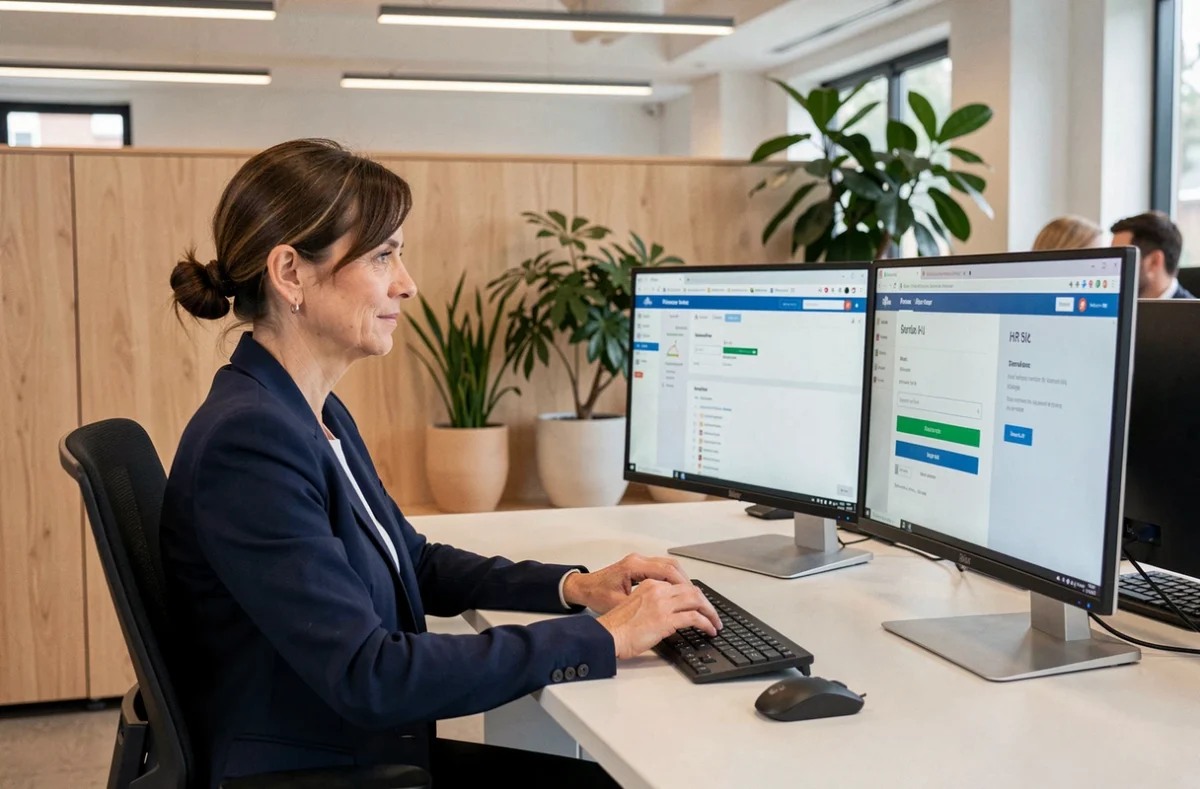
GTM Extranet and Ma Box RH share the same address—maboxrh.laposte.fr—yet La Poste employees trying to log in regularly run into issues whose causes vary depending on the tool they need. Understanding what each interface covers, and especially knowing whom to contact when access is blocked, avoids unnecessary back-and-forth between technical support and local HR.
GTM or Ma Box RH access issues: who to contact in each situation
The portal’s official help page distinguishes between two resolution channels. Confusing them prolongs processing times and causes frustration.
- Technical issue (page won’t load, virtual keyboard is inactive, server error): dedicated support can be reached at [email protected]. This channel handles infrastructure incidents, not questions about personal records.
- Request concerning personal information (incorrect leave balance, administrative details to update, question about a payslip): the official page directs users to their manager or local HR, who have the necessary permissions to update an employee’s record.
- On-screen assistance for employees with low vision or who are blind: an audio version of the virtual keyboard is available on the authentication page. Activate it using the “Enable audio” button just before the keyboard, then navigate with the Tab key (Shift + Tab to move back).
A detailed guide to logging in to GTM and Ma Box RH La Poste explains the steps for each employee profile.
GTM Extranet and Ma Box RH La Poste: a comparison of their functions
Both names appear on the same portal, which can cause confusion. The table below summarizes their functional differences based on official documentation and feedback published by employees.
| Criterion | GTM Extranet | Ma Box RH |
|---|---|---|
| Access address | maboxrh.laposte.fr (same URL) | maboxrh.laposte.fr (same URL) |
| Main purpose | Time and activity management (clocking in, schedules) | Personal HR procedures (leave, administrative documents) |
| Required login | IDRH + password | IDRH + password |
| Support for technical issues | [email protected] | [email protected] |
| Contact for personal information | Manager / local HR | Manager / local HR |
| Accessibility (screen reader) | Audio virtual keyboard, compatible with JAWS and NVDA | Audio virtual keyboard, compatible with JAWS and NVDA |
The URL and login details are the same for both tools. The difference lies in the features shown after logging in: GTM focuses on time management, while Ma Box RH handles career-related administrative procedures. An employee’s profile and the permissions assigned by their department determine which menus are available after login.
Ma Box RH La Poste login: why the virtual keyboard often causes problems
Entering a password on maboxrh.laposte.fr requires a virtual keyboard, a security feature that prevents malware from intercepting keystrokes. This keyboard can cause two recurring problems.
The keyboard doesn’t appear
An outdated browser or an active script blocker can prevent the virtual keyboard from loading. Disabling ad-blocking extensions on maboxrh.laposte.fr resolves the issue in most cases. The official help page does not recommend a specific browser, but employees using an up-to-date browser report fewer access issues.
The keyboard appears but doesn’t respond to clicks
This can sometimes happen when the page is zoomed in beyond the standard setting. Returning to 100% zoom (Ctrl + 0 in most browsers) restores the ability to click the virtual keys. For employees using a screen reader, pressing Enter confirms each password digit one at a time, unlike the usual behavior of a standard input field.
IDRH login and password: what to check before contacting support
Before emailing [email protected], three quick checks can resolve most common access issues.
- The IDRH login is an alphanumeric code assigned by La Poste. It is not the same as a work email address or the employee number printed on a payslip. Confusing these login details is the most common reason for being unable to sign in.
- The password must contain numbers only when entered using the virtual keyboard. Trying to enter letters or special characters results in a silent failure, with no clear error message.
- After several unsuccessful attempts, the account may be temporarily locked. The unlock period is not publicly documented; in this case, contacting technical support is the only reliable option.
The portal does not offer a visible self-service password reset process on its official help page. Password recovery must be handled by local HR or technical support, depending on whether the issue is administrative or technical.
Having GTM and Ma Box RH on a single URL makes everyday access easier, but it can make troubleshooting more difficult when something goes wrong. Knowing the difference between a technical issue (email support) and a question about an employee record (local HR) remains the most reliable shortcut to resolving the problem quickly.